This post demonstrates the formatting features available out of the box — from basic text styling to syntax-highlighted code blocks and callouts.
中文版见 Markdown 语法示范。
Table of contents
Open Table of contents
Text formatting
You can make text bold, italic, both at once, strikethrough,
and inline code. Links look like this.
Footnotes are supported too.1
Lists
Unordered:
- First item
- Second item
- Nested item
- Another nested item
- Third item
Ordered:
- Clone the repository
- Run
pnpm install - Start the dev server
Task list:
- Finish the showcase post
- Add Chinese translation
- Deploy to production
Blockquotes
Simplicity is prerequisite for reliability. — Edsger W. Dijkstra
Callouts
Obsidian-style callouts are supported:
Useful side information the reader should notice.
Keyboard shortcuts can boost your productivity a lot.
This action cannot be undone — proceed with caution.
Remember to check your environment variables before deploying.
Code
Inline code: const greeting = "Hello, world.";
Code block with a file-name label:
export function greet(name: string): string {
  return `Hello, ${name}!`;
}

console.log(greet("world"));src/utils/greet.ts
Highlight a line ([!code highlight]):
function add(a, b) {
  return a + b;
}example.js
Diff annotations ([!code ++] / [!code --]):
function sum(numbers: number[]) {
  let total = 0;
  return numbers.reduce((acc, n) => acc + n, 0);
}
Word highlight ([!code word:hoicau]):
git clone https://github.com/hoicau/hoicau-index-source.gitTables
| Command | Action |
|---|---|
pnpm dev | Start the local dev server |
pnpm build | Build the site and generate the search index |
pnpm preview | Preview the build locally |
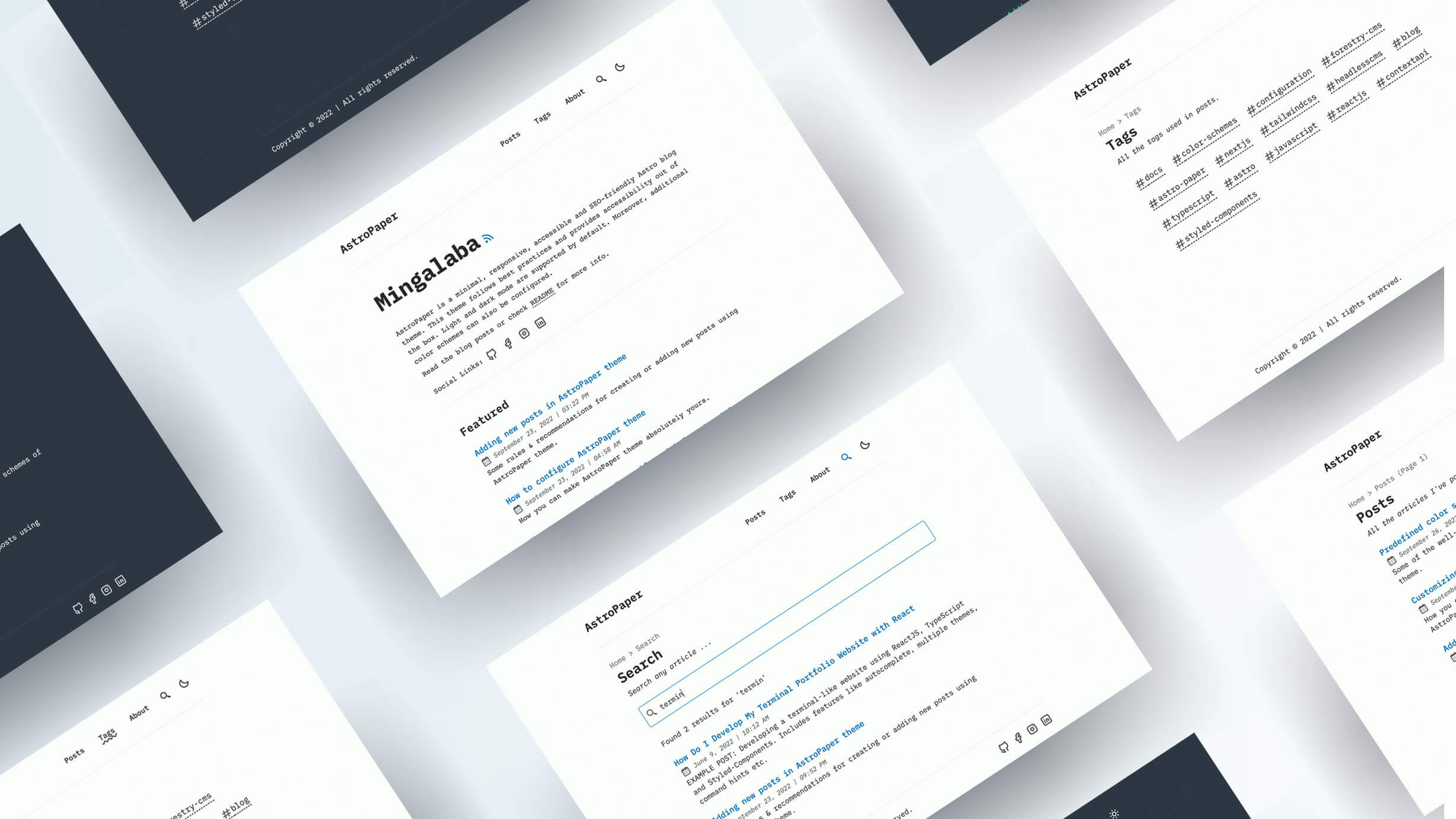
Images
Horizontal rule
That’s a tour of the formatting this blog supports — copy this file as a starting point for your own posts. 🙂
Footnotes
-
This is a footnote — it renders at the bottom of the page. ↩